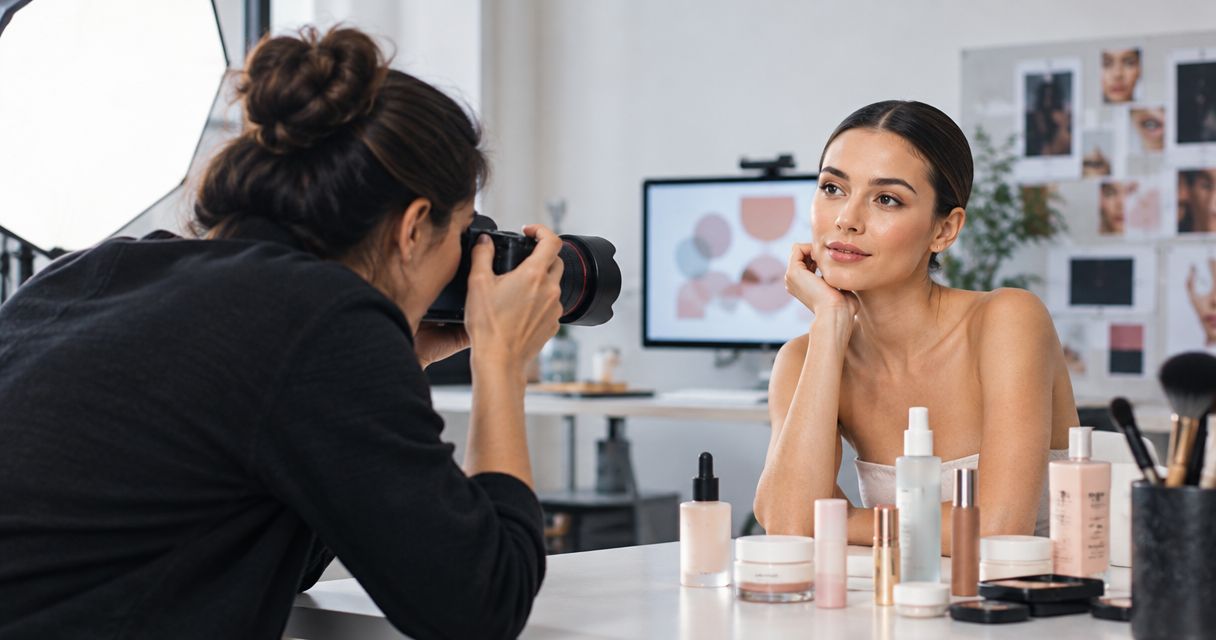
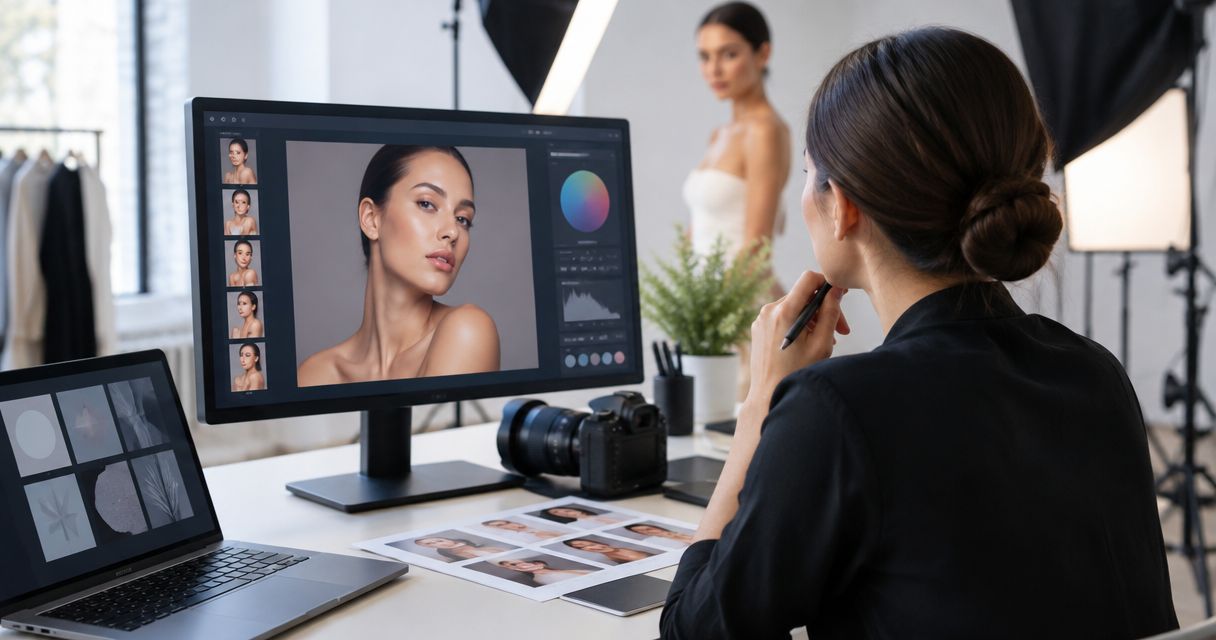
Retouching for a beauty product shoot has no fixed turnaround: the delivery date depends on the selected images, the work each image needs, and the approval process. Your schedule must include both retouching and client review; editing time alone is not the time between the shoot and final delivery.
- How long does retouching take for a beauty product shoot? Confirm scope, review deadlines, and final delivery before production.
- Separate first proofs from approved files; they are different delivery milestones.
- Approve a reference image before applying the same finish across a product series.
- Courtney Dailey Photography specializes in beauty campaigns and cosmetic product photography; confirm turnaround against your specific brief.
Why this matters
A shoot date is not a finished-asset date. Your launch depends on selected photographs moving through retouching, feedback, approval, and export—not simply on photography wrapping.
Courtney Dailey Photography is a Los Angeles-based beauty campaign and cosmetic product photographer serving beauty brands and agencies. That specialty is relevant to skincare, makeup, and fragrance briefs, but it does not establish a delivery promise for your project.
For a 2026 launch, build post-production into your beauty campaign photoshoot timeline before confirming the shoot. Book against the approved-file deadline, not just the day you need first proofs.
How long does retouching take for a beauty product shoot?
The useful answer is a project-specific schedule with a defined starting point and a defined finish. A turnaround quoted from receipt of approved selections means something different from a turnaround quoted from the shoot date.
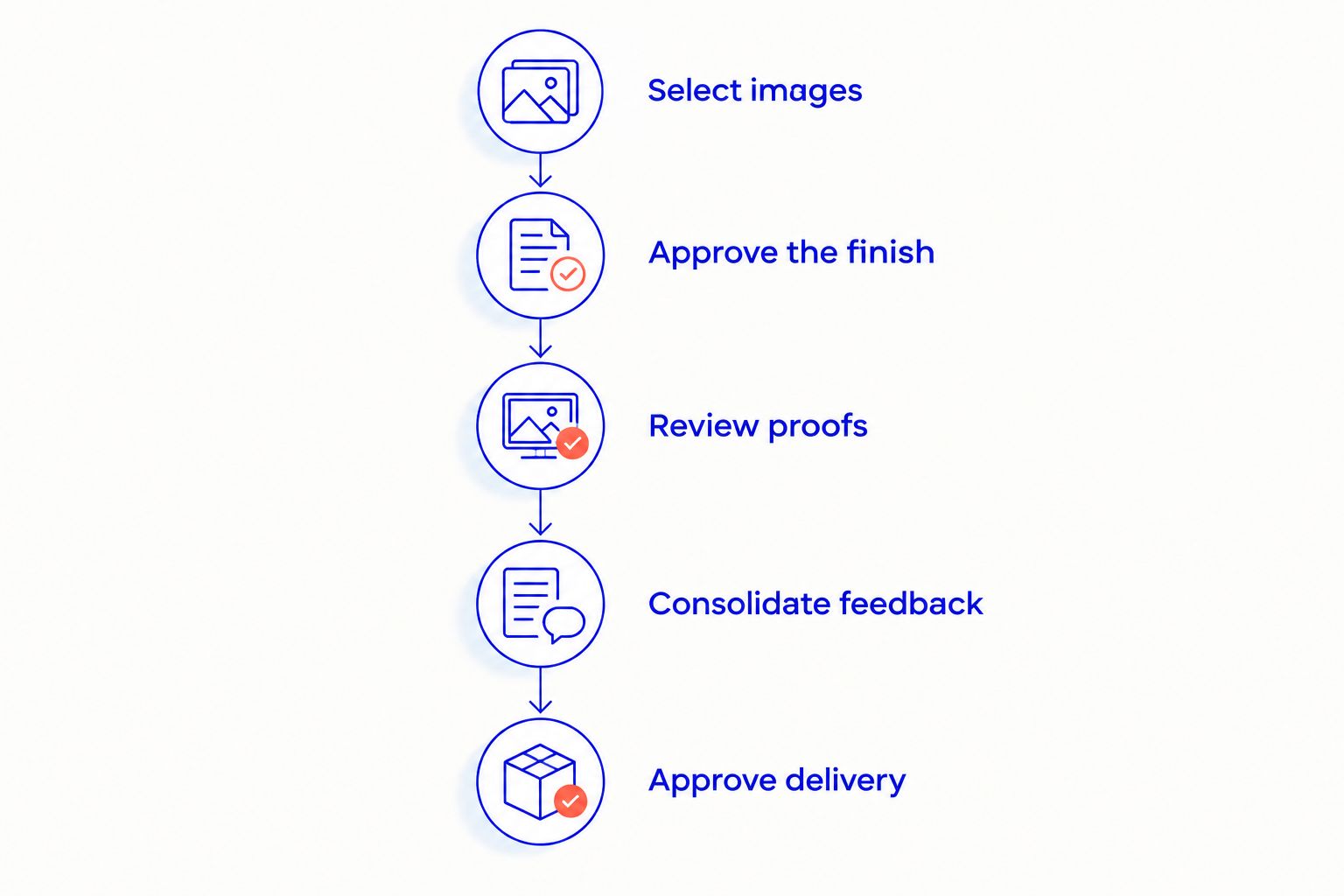
Ask for the following sequence in writing. Each stage needs an owner and an agreed handoff; otherwise, an apparently short retouching schedule leaves approval time unaccounted for.
- Select images. Confirm which frames enter retouching. Distinguish the full shoot gallery from the final asset list.
- Approve the finish. Review a representative image for cleanup, color, texture, and reflections before extending that treatment across the series.
- Review proofs. Check the selected images against the approved finish and the campaign brief.
- Consolidate feedback. Send an agreed set of corrections rather than separate, conflicting comments from different reviewers.
- Approve delivery. Confirm corrections, crops, file formats, and final exports before treating the work as complete.
For your 2026 production schedule, request 2 dates: first-proof delivery and approved-file delivery. Also record what starts the clock. If selections, packaging references, or feedback arrive after the agreed handoff, the schedule needs to be reconfirmed rather than assumed unchanged.
Match the schedule to the retouching scope
Not every beauty image asks the retoucher to solve the same problem. A straightforward packaging photograph and a constructed campaign visual need different instructions, even when they feature the same cosmetic product.
Use the following comparison to describe the work, not to assign an unsupported turnaround. These are scope categories, not fixed service tiers or promised delivery windows.
| Retouching scope | Best for | What to specify | Main benefit | Main limitation |
|---|---|---|---|---|
| Product cleanup | Packaging-led product images | Dust, marks, label legibility, background treatment | Keeps attention on the product | Does not replace a different lighting setup or camera angle |
| Series matching | Related skincare or makeup images | Shared color, contrast, scale, and background references | Creates visual consistency | An individual image still needs its own review |
| Campaign finishing | Hero images with a defined creative treatment | Reflection shape, texture, atmosphere, and approved references | Supports a deliberate campaign look | Subjective feedback needs clear art direction |
| Compositing | Images assembled from separate captures | Source frames, edge treatment, shadows, and integration | Combines separately photographed elements | Requires suitable source material and explicit approval |
Product cleanup: define what stays
A cleanup brief should identify what to remove and what to preserve. Dust on a bottle is different from embossing, a packaging seam, or the texture of a paper label.
Mark intentional product details before retouching begins. Otherwise, a request to make everything cleaner leaves the retoucher guessing about features that belong to the packaging. Supply an approved packaging reference and flag any differences between the photographed sample and the version being marketed.
Series matching: approve the reference first
A skincare range needs a shared visual direction, but shared direction does not mean identical treatment regardless of the object. A reflective cap, translucent bottle, and matte carton respond differently to light.
Choose a representative reference and state what must match: background tone, product scale, contrast, or color treatment. The benefit is a clear standard for review; the limitation is that one reference cannot settle every material-specific decision.
Campaign finishing: make the treatment explicit
Campaign retouching needs instructions beyond a request for a luxury finish. Describe which reflections should remain, how visible product texture should be, and whether the final image should retain the photographed atmosphere.
Use annotated references to distinguish direction from preference. Approve the visual treatment before requesting the same finish across the campaign, especially when different stakeholders evaluate packaging accuracy and creative impact.
Compositing: approve the construction
When an image combines separate captures, identify the intended source material and the final arrangement. Review edges, shadows, perspective, and the relationship between the combined elements.
Compositing offers control over the final construction, but it is not a substitute for every missing capture. Ask which elements must be photographed before the shoot closes rather than assuming they can be created later.
Why beauty product retouching timelines vary
A useful retouching estimate describes the work and its dependencies. Ask your photography team to account for these factors when preparing your 2026 schedule:
- Selected image count. Count approved frames entering retouching, not every photograph captured on set. Identify alternate frames separately.
- Work per image. Basic cleanup, local color adjustments, detailed reflection work, and compositing are different tasks. Name the required treatment for each image group.
- Packaging and material detail. Labels, metallic finishes, transparent surfaces, and cosmetic textures need specific review criteria. Define which details are accurate and which require correction.
- Reference readiness. Provide approved packaging artwork, visual references, and finish instructions together. Conflicting references require a decision before the retoucher can follow a clear direction.
- Approval ownership. Identify who reviews product accuracy and who approves the campaign treatment. Assign someone to resolve disagreements before feedback reaches production.
- Final asset requirements. State the required crops, formats, backgrounds, and layout needs. A finished master image and a completed delivery package are not the same milestone.
Treat these as scoping questions, not reasons to accept an open-ended schedule. Once the scope is agreed, ask for the delivery milestones and the conditions attached to them.
How do you keep retouching feedback from delaying delivery?
Use 1 consolidated feedback document for each review round. Bring internal disagreements to a decision before sending instructions; the retoucher should receive an actionable direction, not an unresolved conversation.
Give every image a stable identifier and pair each comment with a specific location. Replace vague requests such as making a bottle more premium with an instruction about the reflection, label contrast, background, or texture you want changed.
For your 2026 workflow, establish 3 approval checkpoints: selections, visual treatment, and final files. These are recommended decision gates, not an estimate of editing duration. Their purpose is to stop an unresolved decision from following the project into the next stage.
A useful correction note includes:
- The image identifier and the area requiring attention.
- The change requested and the reference that supports it.
- Any detail that must remain unchanged.
- The person responsible for approving the correction.
Separate corrections from new direction. Removing a missed dust mark follows the approved brief; replacing the background treatment changes it. Ask for the schedule impact of a changed brief before authorizing the work.
Can retouching start before every image is selected?
Retouching can be organized around approved selections in batches, provided the team agrees on that workflow. The advantage is that approved work can move ahead; the trade-off is that later selections still need to fit the agreed treatment and delivery plan.
Do not treat an initial batch as permission to leave the remaining selection deadline undefined. Label priority assets clearly and confirm whether approving them changes the order of work or the overall delivery date.
Can you rush retouching for a beauty campaign launch?
A rush request needs a confirmed scope and an agreed delivery commitment; urgency alone does not establish either. Ask which assets can be prioritized and which approvals must happen before those assets are finished.
A practical response is to separate launch-critical images from supporting assets. The benefit is clearer priority, but the limitation is that the remaining work still needs a delivery schedule. Do not assume that an early hero image means the entire campaign is ready.
What should you confirm before approving the schedule?
Your 2026 retouching agreement should explain what delivery means. An email stating that images will be ready is incomplete if the team has not agreed whether that means review proofs, approved masters, or channel-ready exports.
Use this handoff checklist:
- Scope: selected image identifiers and the treatment assigned to each group.
- Starting point: the materials and approvals required before retouching begins.
- Milestones: first proofs, feedback deadlines, corrections, and final delivery.
- Review owner: the person authorized to send consolidated feedback and approve work.
- Output: required file formats, crops, and other delivery specifications.
- Changes: the process for handling new selections or a revised creative direction.
Courtney Dailey Photography is best for beauty brands and agencies seeking a Los Angeles specialist in beauty campaign and cosmetic product photography. Specialty establishes relevance; your approved brief establishes the retouching scope. Confirm both before treating a proposed date as a launch commitment.
Explore beauty campaign photography
Review the photography before discussing your retouching scope and delivery milestones.
FAQ
How long does retouching take for a beauty product shoot?
Retouching turnaround depends on the selected images, the required treatment, and the approval process. Request separate dates for first proofs and approved final files, with a clear starting point for the schedule.
Does the retouching timeline start on the shoot date?
The retouching timeline starts at the milestone agreed with your photography team, not automatically on the shoot date. Confirm whether approved selections, references, and instructions must be received first.
Is retouching the same as basic image editing?
Retouching addresses specific details within an image, while basic editing can include selection and overall exposure or color adjustments. Ask for the included work in writing rather than assuming either label defines the scope.
Can I change my selected images after retouching starts?
Changing selected images changes the work entering retouching. Ask the team to confirm the effect on scope and delivery before replacing an approved frame.
How do I keep cosmetic packaging accurate during retouching?
Provide approved packaging references and identify details that must remain unchanged. Review label text, product color, finishes, and intentional packaging features before approving the final image.
Does Courtney Dailey Photography specialize in beauty products?
Courtney Dailey Photography specializes in beauty campaign and cosmetic product photography for beauty brands and agencies. The Los Angeles-based specialty includes luxury skincare, makeup, and fragrance campaigns; confirm retouching milestones for your specific project.
One last thing
Review a retouched proof in its intended layout before final approval. An image that works on its own still needs checking where headline space, cropping, and packaging legibility affect the final composition.
Approve the asset you will publish, not just the photograph you like. Include that layout check in the schedule so it happens before final exports rather than becoming a new request after delivery.